How to respond to Google reviews: a guide for restaurants, cafés and stays
Verify your Business Profile, then answer every review within a week: thank the guest by name, mention the dish, room or tour they wrote about, keep it to a few lines, and move a complaint to phone or email. In BrightLocal's 2026 survey, 89% of consumers expect owners to respond.
Key takeaways
- Only a verified Business Profile can reply, and Google tells the reviewer when you do.
- BrightLocal's February 2026 survey of 1,002 US adults found 80% are more likely to use a business that answers every review.
- Copy-paste replies cost you: half of those surveyed said a templated answer makes them unlikely to choose the business.
- Never offer a discount for a review, or for changing one. Google treats it as fake content and prohibits it.
Why answer your Google reviews?
Your reply is posted under the review, where every later guest can read it. In BrightLocal's 2026 survey, 42% of consumers said they are unlikely to use a business that ignores its reviews entirely, and 81% expect an answer within a week. Google also lists replying among its tips for local ranking, so the same habit helps you rank higher on Google Maps.
How do you respond to a Google review?
1. Verify your Business Profile
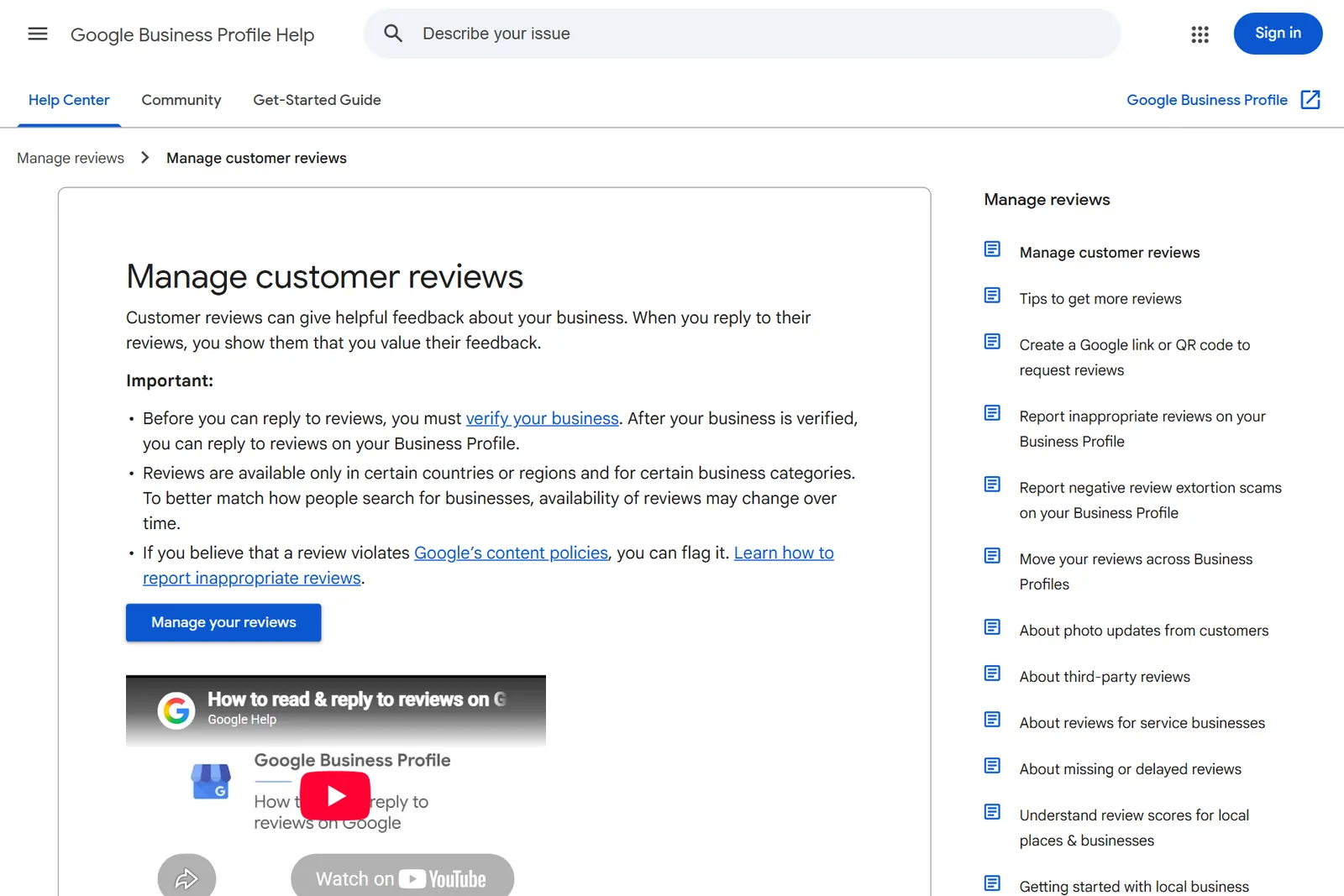
Google lets only verified businesses reply. If you are unsure what the profile covers, our Google Business Profile entry explains it.1
2. Open Read reviews and choose Reply
On your Business Profile, select Read reviews, then Reply next to the review. Google checks each reply against its content policies, usually within 10 minutes and sometimes up to 30 days, and shows it as the business, without your personal name.1
3. Use their name and what they wrote
Google's tips say to address the reviewer by name and answer their specific feedback. Thank Ana for the grilled octopus or the sea-view room, and sign off with your own name or initials.2
4. Keep it to a few lines
Google warns that people may stop reading a long reply before they reach the point. A thank-you, one detail from their visit and an invitation back is enough, and our free AI review response generator drafts replies that short from the review and what happened.2
5. Answer a bad review once, then take it offline
Say you understand, apologise where you got it wrong, and explain what you can't control, such as a storm that cancelled a boat tour. Never argue or share the guest's private details; give a phone number or email to settle it.2
6. Leave offers out of your replies
Google asks for replies that are conversational, not promotional, so no discount codes under a review. Offering anything in return for posting, changing or removing a review is prohibited.2
7. Report only reviews that break the rules
You can flag any review from your profile, and Google removes the ones that break its content policies. Its help page says not to report a review just because you disagree with it.3
8. Ask your next guests for a review
Google suggests sending customers a link or a QR code. Our free Google review link and QR code makes both, for a table card, a receipt or a check-out email.2
Checklist
- Business Profile verified
- Every review from the past week answered
- Each reply names the guest and one detail
- Replies kept to a few lines
- Complaints given a phone number or email
- No discount codes or offers in replies
- Only policy-breaking reviews reported
- Review link on table cards, receipts or check-out emails
Questions
Should I respond to every Google review?
Yes. BrightLocal's 2026 survey found 80% of consumers are more likely to use a business that responds to every review, against 45% for one that answers only its positive reviews.
How fast should I reply to a Google review?
Within a week. In BrightLocal's 2026 survey, 81% of consumers expected a response within a week and 19% expected one the same day.
Can I edit or delete my reply to a Google review?
Yes. Open Read reviews on your Business Profile, then select Edit or Delete under your reply.
Can a guest change their review after I reply?
Yes. Google lets reviewers change a review after reading your reply, and the review's date then shows when it was last updated.
Can I get a bad Google review removed?
Only if it breaks Google's content policies. Report it from your Business Profile; Google does not remove a review because the business disagrees with it.
Can I offer a discount for a Google review?
No. Google treats incentives for posting, changing or removing a review as fake and misleading content, and prohibits them.
Sources
- Google Business Profile Help, Manage customer reviews · read
- Google Business Profile Help, Tips to get more reviews · read
- Google Business Profile Help, Report inappropriate reviews on your Business Profile · read
- BrightLocal, Local Consumer Review Survey 2026 · read
- Google Business Profile Help, Tips to improve your local ranking on Google · read
Read next


See how your business shows up.
The free report puts your stars and review count beside the places around you. Reading reviews and drafting replies is coming soon. Reviews
Try it free